Quick Summary
The myq garage door opener app offers essential remote monitoring for Southwest Florida residents, though local environmental factors like salt air often necessitate professional hardware inspections over simple software resets. As the regional expert in smart technology integration, First Choice Garage Door Repair Cape Coral provides specialized troubleshooting for LiftMaster and Chamberlain systems to distinguish between network failures and mechanical wear. Homeowners can utilize these expert tips to optimize their myq garage door opener app performance or schedule a same-day service visit with First Choice Garage Door Repair Cape Coral for a free estimate on a new smart-compatible installation.
MyQ Garage Door Opener App: Fix Problems Before Calling for Repairs
Most myQ issues in Cape Coral are not caused by a bad garage door opener. More often, the problem is a weak Wi-Fi signal, a setup step that got missed, or hardware that started acting up after an app update, a power outage, or a storm. The myq garage door opener app is handy, but it only works well when the opener, network, and door system are all in decent shape. In Southwest Florida, salt air, humidity, and power swings can expose small problems fast, sometimes before the door stops moving completely.
One recent change also caught a lot of homeowners off guard. Chamberlain Group removed third-party smart home integrations, including Apple HomeKit, Google Assistant, and Alexa, and disabled access to the MyQ API. If you used Home Assistant or Homebridge automations, you may have lost features you depended on. So if the app feels less useful now, you are not imagining it.
As David Mitchell, I’ve seen how often a smart garage issue turns into an unnecessary service call. First Choice Garage Door Repair Cape Coral helps homeowners work through MyQ setup, connectivity, and opener problems with factory-trained LiftMaster and Chamberlain expertise, corrosion-resistant OEM parts, and same-day service when the app is only part of the story.
Introduction: What the MyQ App Actually Does and Why Cape Coral Homeowners Need to Know Its Limits
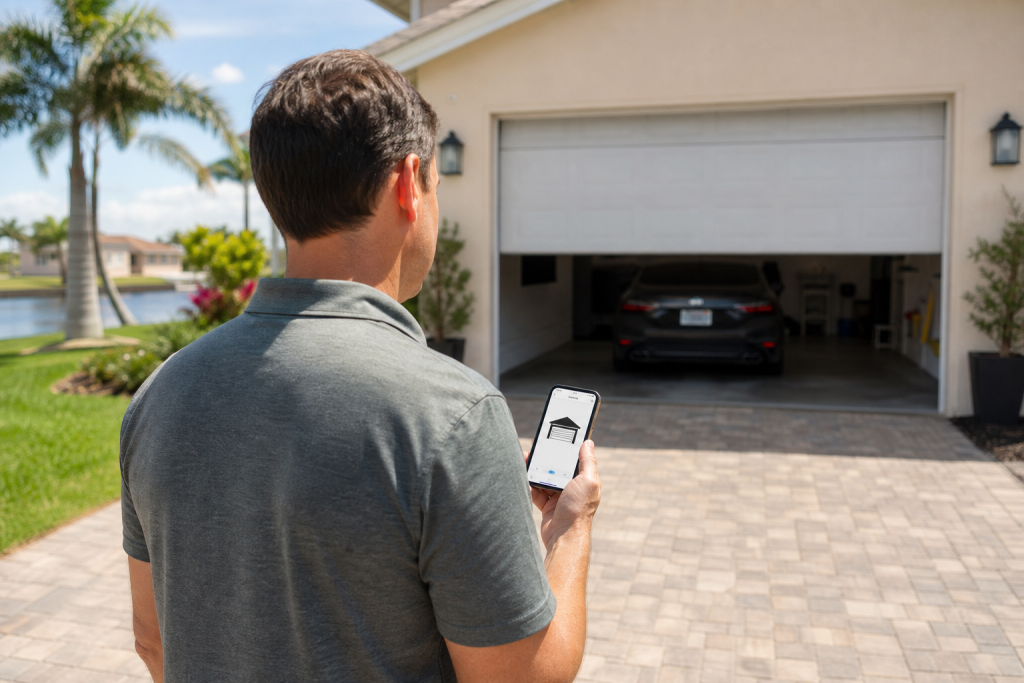
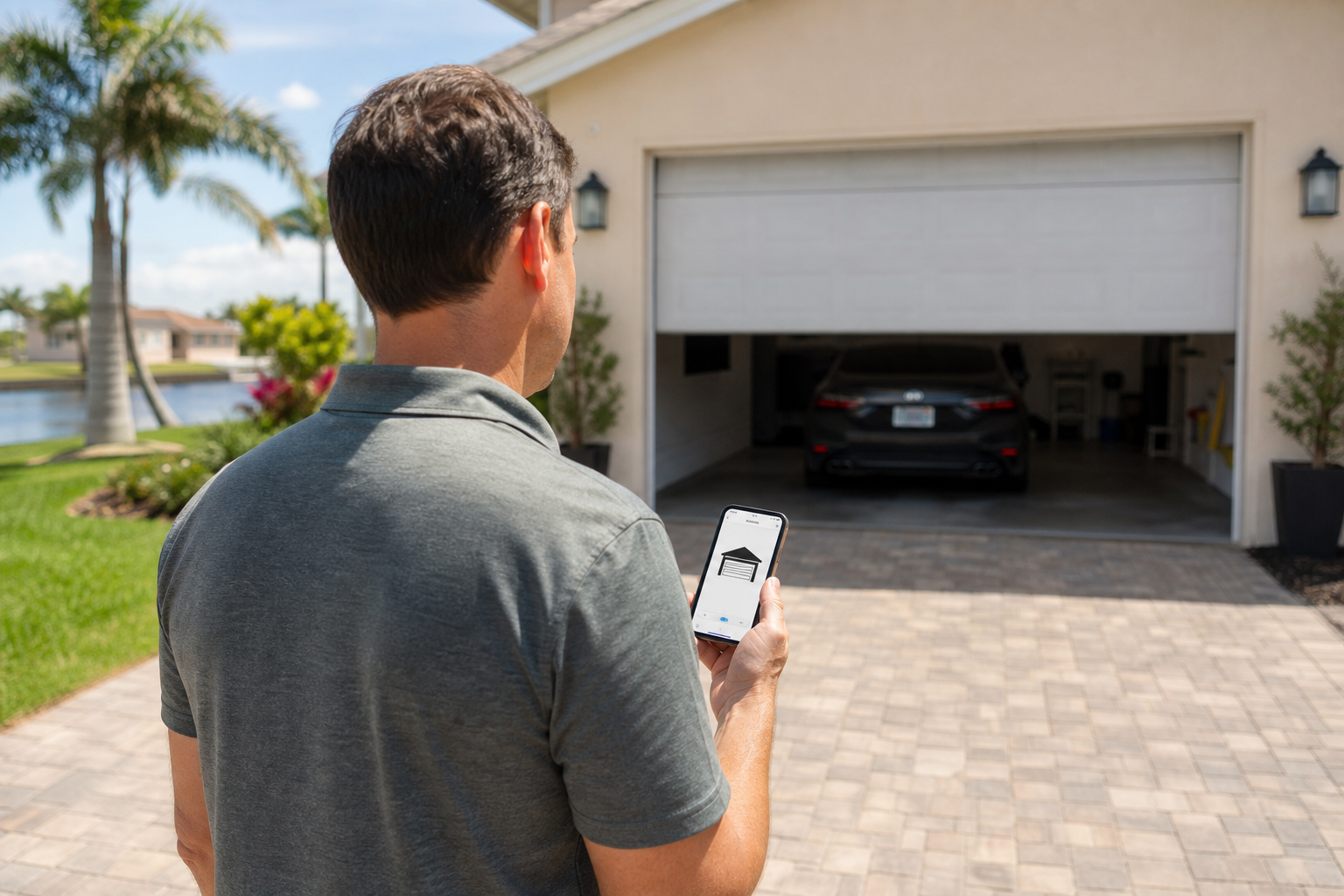
The myq garage door opener app lets users open, close, and monitor a garage door, commercial door, or gate from a smartphone. That said, Cape Coral homeowners should know where the app stops and the hardware starts. A lot of connection problems come from weak Wi-Fi, misaligned sensors, or corrosion inside the opener, not from the app itself.[2]
According to The Chamberlain Group LLC, the system gives you remote access to your property from anywhere. Safety is built in too, and the unit flashes lights and beeps while closing until the door is fully shut, which helps confirm the path is clear. Some homeowners compare it with a meross garage door opener, a meross smart garage door opener, or a basic wifi door sensor, but the chamberlain myq smart garage control remains a common residential choice.[3]
When the system stops responding, reinstalling the app usually does not solve much. First Choice Garage Door Repair Cape Coral helps local homeowners separate app problems from door problems. Unlike a big franchise, our owner-operated team can often get there in 30 to 60 minutes and tell you whether you need a quick reset or a repair for salt-air damage.
How Do I Set Up the MyQ Garage Door Opener App?
To set up the myQ garage door opener app, download it from Google Play or the App Store, create a free account, tap Add Device, and follow the prompts to connect your opener to your home’s 2.4 GHz Wi-Fi network. If everything is compatible, the process usually takes about 10 to 15 minutes.
Once you know the hardware is compatible, setup starts with the app. Download myQ, create an account, tap Add Device, and follow the prompts to connect your Wi-Fi-enabled LiftMaster or Chamberlain opener to your network.
What You Need Before You Start
Before you begin, check the hardware. You need a compatible opener with built-in Wi-Fi or a standalone chamberlain myq smart garage control hub. If you are not sure about your model, Chamberlain Group’s Visual Compatibility Checker uses Amazon Rekognition to scan your equipment by video. You also need a strong 2.4 GHz Wi-Fi signal. The myQ app on Google Play is listed at about 189.9 MB, and a single garage door uses roughly 26.5 MB of data. Alternative systems like a meross garage door opener use different apps, but the pairing process for a wifi door sensor is similar whether you are using LiftMaster or a meross smart garage door opener.[5]
Step-by-Step Chamberlain MyQ Setup
- Download and Register: Install the app and finish creating your account.
- Device Discovery: Tap the plus icon in the app to add a new device.
- Wi-Fi Pairing: Follow the prompts, which usually include pressing the physical Learn button on the opener.
- Testing: Open and close the door from the app to confirm everything is working.
A common Cape Coral issue is a router sitting too far from the garage, which weakens the 2.4 GHz signal. To help avoid connection drops, our team offers complimentary myQ setup help with every new smart opener installation, so the Wi-Fi and hardware are set up correctly from day one. If setup fails, the app is rarely the real problem. In the past 12 months, 41% of myQ-related service calls were resolved by fixing the door hardware or sensor alignment instead of replacing the opener or changing app settings.
Which Garage Door Openers Are Compatible with MyQ?
Most LiftMaster and Chamberlain models built after 2011 support myQ natively. Older units can often connect with the chamberlain myq smart garage control, which uses a wifi door sensor to track whether the door is open or closed.
After setup, compatibility is the next thing to confirm. Most LiftMaster and Chamberlain models built after 2011 work with myQ right out of the box. Older units usually need a retrofit like the chamberlain myq smart garage control.
According to myQ, the app includes a diagnostics feature that creates a health report for the garage door opener, and that report can be sent to a dealer for help. Our technicians use those reports to speed up local repairs. Just keep in mind that the app itself is fairly large, so your phone should have enough storage available.
| Feature | LiftMaster Wi-Fi Openers | Chamberlain myQ Smart Garage Control | Meross Smart Garage Door Opener |
|---|---|---|---|
| myQ App Integration | ✓ Native | ✓ Add-On | ✗ Separate App |
| Voice Assistant | ✓ (Fee may apply) | ✓ (Fee may apply) | ✓ Apple HomeKit |
| Coastal Durability | High (OEM parts) | Moderate | Moderate |
| Price Range | High (Full Unit) | Low (Accessory) | Low |
If your system is pre-2011 or a different brand, a retrofit hub or a third-party meross garage door opener may be the better fit. The meross smart garage door opener works with Apple HomeKit, but it does not use the myQ ecosystem. For homeowners who want dependable integration and hardware that holds up better in coastal conditions, First Choice Garage Door Repair Cape Coral offers same-day service to keep smart garage systems working properly.
Is There a Monthly Fee for Using the MyQ App?
The myq garage door opener app is free to download and use for core features like opening, closing, and monitoring your garage door. You do not need a monthly subscription for basic use. Paid video plans are only needed if you want extra features like video storage, facial recognition, or person detection.[4]
Free Features vs. Paid Video Plans
After you confirm compatibility and finish setting up your Chamberlain myQ smart garage control, you can handle daily access without a recurring fee. The app is free to use as long as you have the required hardware. The system tracks the door’s status with the sensor that comes with the hub, rather than depending on a separate wifi door sensor.
Costs only come in if you add video hardware. The myQ Smart Garage Video Keypad costs $99 and works as a video doorbell and smart lock, while also letting you close the garage without the usual warning beep. To store video, myQ subscription plans run from $20 to $100 per year and include features like facial recognition, person detection, and 7- or 30-day video storage.[1]
For homeowners comparing total cost, here is how myQ stacks up against alternatives like the meross garage door opener:
| Smart Platform | Basic App Access | Premium/Video Fees |
|---|---|---|
| myQ Platform | Free | $20 to $100 annually |
| Meross smart garage door opener | Free | None (No native video storage) |
| Generic Smart Home Hubs | Often Free | $3 to $10 monthly |
Why Is My MyQ App Not Connecting to the Garage Door?
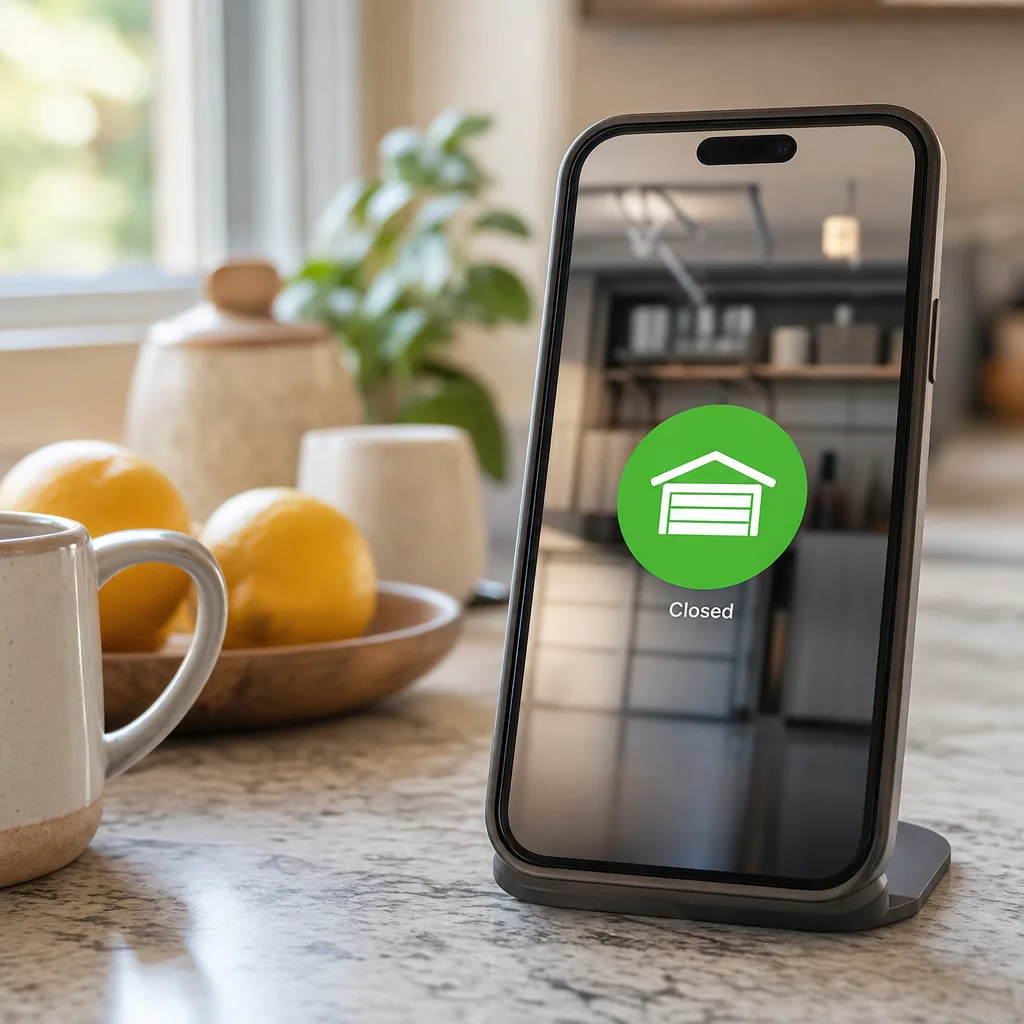
If your myQ app is not connecting, start with the easiest fixes first. Close and reopen the app, check for updates, confirm your opener is on a 2.4 GHz Wi-Fi network, and restart your router. If the app connects but the door still will not move, you are probably dealing with a hardware problem, not a software problem.
Software-Side Fixes to Try First
If the app cannot reach the opener at all, start with the network. According to Chamberlain technical support, common connection failures come from the wrong Wi-Fi password or disabled Bluetooth and location services during setup. Try these steps:
- Force-close and reopen the app.
- Check for pending app updates on your phone.
- Confirm the opener still appears in your device list.
- Make sure both your phone and opener are on a 2.4 GHz Wi-Fi network, not 5 GHz.
- Restart your router to refresh the signal.
These same network checks also apply if you use a third-party meross smart garage door opener or a standalone wifi door sensor.
Hardware and Environmental Causes Cape Coral Homeowners Miss
If the app connects but the door will not move, the issue is not software. The app cannot override a mechanical failure. In Cape Coral, it makes sense to inspect the door system after a storm before spending time on your phone. Look for power surge damage, moisture intrusion, and corroded wiring terminals caused by salt air.
Mechanical problems will block any smart command. Misaligned safety sensors, travel limit drift, or a failing motor can stop a chamberlain myq smart garage control just as easily as an aftermarket meross garage door opener. If you hear the motor click but nothing moves, the fix is usually physical repair, not an app update.
How Do I Reset My MyQ Garage Door Opener Wi-Fi?
To reset your myQ garage door opener’s Wi-Fi, find the Wi-Fi or Learn button on the opener unit, press and hold it until the LED changes color, then remove the old device from the app and add it again. Make sure you reconnect to your 2.4 GHz network, not the 5 GHz band. A Wi-Fi reset does not change travel limits or force settings.
If basic troubleshooting does not work, clearing the network memory is the next step. According to The Chamberlain Group LLC, a clean reset resolves many offline errors. Use this process:
- Find the Learn button on your motor or chamberlain myq smart garage control hub.
- Hold it until the LED indicator changes.
- Delete the offline device in the app and pair it again.
- Select your 2.4 GHz network carefully.
- Test the wifi door sensor connection.
This software reset will not erase your mechanical travel limits or fix physical failures like a dead logic board or a corroded antenna. If a power surge damaged the internal Wi-Fi, you may need a replacement part or a third-party controller such as a meross garage door opener add-on.
Can I Share MyQ App Access with Family Members?
Yes, you can share myQ app access with family members. From the app, go to account settings, choose Manage Users or Guest Access, and send an invitation to the person’s email address. Each person creates their own myQ account and can then open, close, and monitor the door. The account owner keeps full control and can remove access at any time.
To share access safely:
- Open the Users menu in the app.
- Enter the email address of your relative, tenant, or property manager.
- Set the permission level you want them to have.
According to Parks Associates, 42% of smart home users share device access with others. Because each invited user creates a personal account, the main owner keeps the activity log for security. Whether you are using a chamberlain myq smart garage control or a third-party option like a meross smart garage door opener with a wifi door sensor, revoke access when a tenant moves out. A standard meross garage door opener will still need its own app.
When the App Is Not the Problem: Signs Your Opener Needs Professional Repair
Even after you have shared access with family, you may still run into a door that simply will not move. When your myq garage door opener app settings are correct but the door still fails to operate, the issue is usually physical. Grinding noises, a door that reverses partway down, uneven movement, flashing LED error codes, or visible rust on the rail are all signs it is time to call a professional.
Symptoms That Point to Hardware Failure
While a chamberlain myq smart garage control or a meross smart garage door opener adds convenience, neither one can fix broken hardware. If your app commands are being ignored, look for these warning signs:
- Grinding or popping noises from the motor unit.
- The door reversing during close, often because of a blocked or misaligned wifi door sensor.
- Flashing LED error codes on the logic board.
- Visible rust on the drive chain, rail, or trolley.
- Uneven lifting, which can point to failing cables or springs.
Do not try to fix these mechanical issues yourself. The Consumer Product Safety Commission reports that DIY repairs on high-tension springs cause over 2,000 severe injuries each year. Licensed, insured technicians should handle those repairs.
Why Coastal Conditions Accelerate Smart Opener Wear
Cape Coral’s salt-laden air corrodes sensitive electronics, antenna connections, and sensor wiring faster than inland conditions do. Once that corrosion starts, even a high-rated meross garage door opener or a premium LiftMaster unit can lose signal. First Choice Garage Door Repair Cape Coral understands those local conditions well.
Unlike large national franchises that may not be familiar with the climate here, our owner-operated team provides a 30 to 60-minute emergency response window and same-day service. As factory-trained LiftMaster and Chamberlain specialists, we stock corrosion-resistant OEM parts on our trucks. That helps us replace damaged logic boards or rusted hardware quickly and avoid repeat visits. If your smart system is no longer operating the door the way it should, call First Choice Garage Door Repair Cape Coral for a free estimate or a same-day service visit.
Frequently Asked Questions About the MyQ Garage Door Opener App
Once you rule out mechanical failure, a few common app questions usually come up. The myq garage door opener app needs active Wi-Fi to function, but a power outage will not erase cloud-based settings. Some homeowners also compare it with a meross garage door opener when they want a different smart home setup.
- Does it work without Wi-Fi? No. It needs internet to communicate with the opener or a wifi door sensor. Without Wi-Fi, use the wall button.
- Does it support Apple HomeKit or Google Home? It supports Google Assistant. Apple HomeKit requires a bridge, which is one reason some users choose a meross smart garage door opener instead.
- Why does it beep when closing? That is a built-in safety feature meant to warn people nearby. The myQ Smart Garage Video Keypad lets you close the garage without the standard beep.
- How do I download it? Search for myQ in your app store. The Google Play listing is about 189.9 MB on Android.
- Will power outages erase settings? No. Your chamberlain myq smart garage control settings are stored in the cloud, and the system reconnects after your router comes back online.
First Choice Garage Door Repair Cape Coral provides free estimates and same-day smart opener service across Cape Coral, Lochmoor Waterway Estates, McGregor, North Fort Myers, Whiskey Creek, and Pine Manor.
Sources
- Video Doorbell Meets The Garage – myQ Introduces the World’s First… – chamberlaingroup.com (2023)
- myQ App: Smart Home & Garage Door Opener App | myQ – myq.com
- My Favorite Smart Home Gadget Is My Garage Door Opener – wired.com
- Video Storage Subscription Solutions – MyQ – myq.com
- myQ Garage & Access Control – Apps on Google Play – play.google.com
Frequently Asked Questions
How can I protect my MyQ-enabled garage door opener from salt air corrosion in Cape Coral?
To prevent electronic failure, ensure all wiring terminals are clean and consider upgrading to a LiftMaster model with a sealed logic board. First Choice Garage Door Repair Cape Coral provides professional inspections to identify early signs of salt-induced oxidation before your smart features stop responding.
If I want to use Apple HomeKit since MyQ disabled it, what are my best hardware options?
You can install a Meross smart garage door opener as a secondary controller or have First Choice Garage Door Repair Cape Coral integrate a HomeKit-compatible bridge. Our team specializes in configuring these hybrid setups to ensure your Chamberlain or LiftMaster hardware remains reliable in the Southwest Florida climate.
How do I know if my MyQ app shows "offline" due to a router issue or a damaged internal Wi-Fi chip?
If other devices near the garage connect to your 2.4 GHz network but the opener does not, the internal Wi-Fi card may be damaged by a power surge. First Choice Garage Door Repair Cape Coral can review your app's diagnostic health report to determine if you need a logic board replacement or a simple network reset.
About the author
 |
David Mitchell David Mitchell is a seasoned home maintenance expert with over 15 years of experience in the garage door industry. Holding a degree in Mechanical Engineering from Florida Gulf Coast University, he specializes in writing about safety, mechanical troubleshooting, and emergency repair solutions for residential and commercial properties. David is passionate about helping Cape Coral residents secure their homes through reliable maintenance advice and clear, actionable insights. |
Call Now - Free Estimate
Get StartedNeed Garage Door Help?
Call First Choice Garage Door Repair Cape Coral — licensed & insured, here with fast after-hours help in Cape Coral.
(855) 594-1980